




Spinogambino App
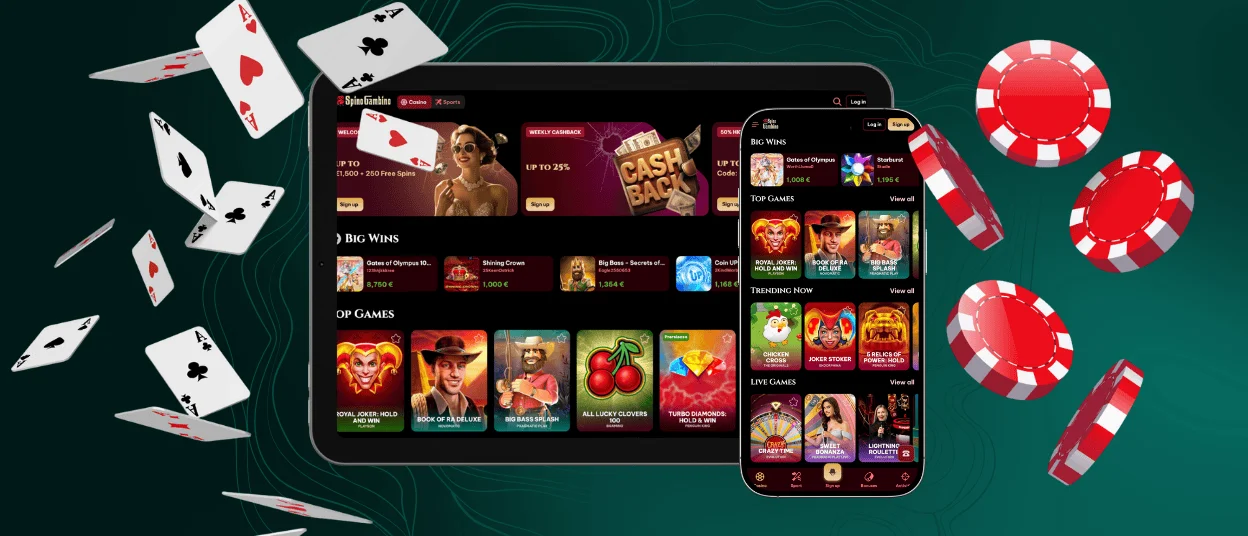
The official Spinogambino app delivers full access to our mobile casino experience on any modern device. Whether you play on Android or iOS, you can open the full game lobby directly from your browser and enjoy smooth navigation, encrypted connections, and direct access to online slots, table games, and live chat support. The interface replicates the layout of the desktop version, maintaining stability and full feature access while adapting to smaller screens.
No separate download is required — the Spinogambino casino can be launched as a progressive web app (PWA), with a shortcut placed directly on your home screen. This app-style solution ensures faster access to the cashier, active promotions, and a secure environment for deposits, withdrawals, and the verification process. Thanks to seamless device syncing, your preferences and favourites stay consistent as you move between mobile and desktop.



Key Features of the Spinogambino Mobile Casino
The Spinogambino mobile casino provides a seamless experience across smartphones and tablets, without requiring downloads. Access to slots, live tables, promotions, and cashier tools is available directly in your mobile browser, with a layout designed to minimize steps and reduce loading times. Whether you’re using Android or iOS, core areas like the lobby, verification process, or live chat are integrated with a responsive interface and gesture-friendly controls.
Key interaction elements are positioned for convenience, making it easy to move between categories or launch your last-played title. With a single login, your account stays synchronized across devices, and the mobile environment is designed to replicate the desktop flow while adapting to smaller screens. Players benefit from the following:
- Touch-optimized layout with consistent navigation
- Instant access to tournaments, campaigns, and daily missions
- Fast loading of online slots with visible RTP and provider tags
- Search filters and categories visible from the top of the screen
- Real-time support via live chat directly in the mobile view
User Experience and Interface
We’ve structured the Spino Gambino mobile casino to keep interaction straightforward. The display adjusts automatically to portrait and landscape orientations, and all key elements — game launch, cashier, profile settings — remain within thumb’s reach. The overall gaming experience remains consistent, even during device switches.
Desktop vs Mobile Access
Both platforms offer access to the same account and features. However, the mobile version is optimized for portability and quick access.
| Feature | Mobile Version | Desktop Version |
| Game access | Full lobby, including Live Casino | Full lobby, including Live Casino |
| Login & payments | Integrated via mobile cashier | Full payment functionality |
| UI & navigation | Touch-based layout | Keyboard/mouse navigation |
| Notifications | Push notifications enabled | Shown on-site only |
| Screen adaptation | Auto-adjusted for portrait/landscape | Fixed layout |
Spinogambino Mobile Application for Android (PWA)
The Spino Gambino app is accessible as a Web App (PWA) directly from your mobile browser, providing a reliable and efficient gaming experience. Once installed, it adds a shortcut to your Android home screen, launching the mobile casino in standalone mode with a fast, simplified layout. The design is fully optimized for touch navigation, giving you direct access to online slots, live tables, and all essential account features.
How to install Spinogambino on Android (Follow these steps from Chrome or your default browse):
- Scroll to the footer of the official site.
- Tap the “Casino App” button to open the installation banner.
- Choose “Install App” or “Add to Home screen.”
- Confirm and launch Spino Gambino from the new icon.
Starting and using the app
Log in with your existing account to sync game history, preferences, and access your cashier. The layout replicates key functions from desktop — browse categories, activate promotions, and contact the Support Team via live chat when needed.
You can also enable push notifications to receive real-time updates about new bonuses, tournaments, and verification process alerts.
Recommended security practices
Only use the official “Casino App” link from the website’s footer to install Spinogambino. Keep your browser updated and avoid any unofficial sources. If reinstallation is needed, remove the shortcut and repeat the steps. Your profile and account data remain intact throughout.
Spino Gambino Casino Application on iOS
The Spinogambino app is fully optimized for iOS and works directly from Safari. There’s no need to download it from the App Store — instead, it’s installed as a Progressive Web App (PWA), giving you a full-screen experience that launches with a single tap from your home screen.
Whether you’re spinning the latest online slots, entering a live table, or checking your bonuses, the layout remains responsive and designed for comfortable use on iPhone. Navigation is fluid, loading times are short, and the interface mirrors the structure of the desktop version — adapted for touch.
How to install Spino Gambino on your iPhone:
- Open the Safari browser and go to the official Spinogambino website.
- Scroll to the footer and tap on the “Casino App” button.
- Select “Add to Home Screen” when the prompt appears.
- Confirm the name and the icon will be placed on your home screen.
Once added to the home screen, the shortcut opens Spinogambino in standalone mode, offering a streamlined view without browser interface elements. This allows for focused navigation across the lobby, cashier, and support sections directly from your device.
Playing on iPad
The iPad version of Spinogambino offers an expanded interface that takes advantage of the larger screen, improving both visibility and control. Browsing game categories is smoother, and players can launch slots or switch between multiple Live Casino tables without constantly zooming or adjusting the view. Touch elements are well-distributed for accurate input, and landscape mode enhances the visual layout of spinning reels, betting ranges, and real-time chat where available.
With the same credentials used on desktop or phone, iPad users retain full access to account tools, including cashier features, responsible gaming limits, and the verification process. Notifications can be enabled for time-sensitive offers, ensuring you stay updated throughout your session.

Spinogambino Casino Application for Windows/macOS
Spinogambino casino is accessible without downloads on both Windows and macOS devices. You can sign in via your usual browser and access the full platform — game lobby, promotions, cashier, and support tools — using the same account you use on mobile. The interface is optimized for larger displays, offering extended visibility and enhanced control for sessions involving live tables, animated slots, or multitasking.
Key advantages of using Spinogambino on desktop:
- Full-screen display with wider game previews and clearer controls
- Improved stability during Live Casino sessions
- Easier management of verification process and document uploads
- Split-screen support for browsing or tracking campaigns while playing
- Option to create a desktop shortcut for quick launch in a dedicated window
Whether you’re managing your account, adjusting limits, or browsing new promotions, the desktop version offers a workspace-style layout suited to long sessions.
Desktop Browsing & Shortcut Functionality
For an optimal experience on Windows and macOS, we recommend using an up-to-date browser such as Chrome, Safari, Firefox, or Edge. Spinogambino runs directly in the browser without additional software and maintains a consistent structure across devices.
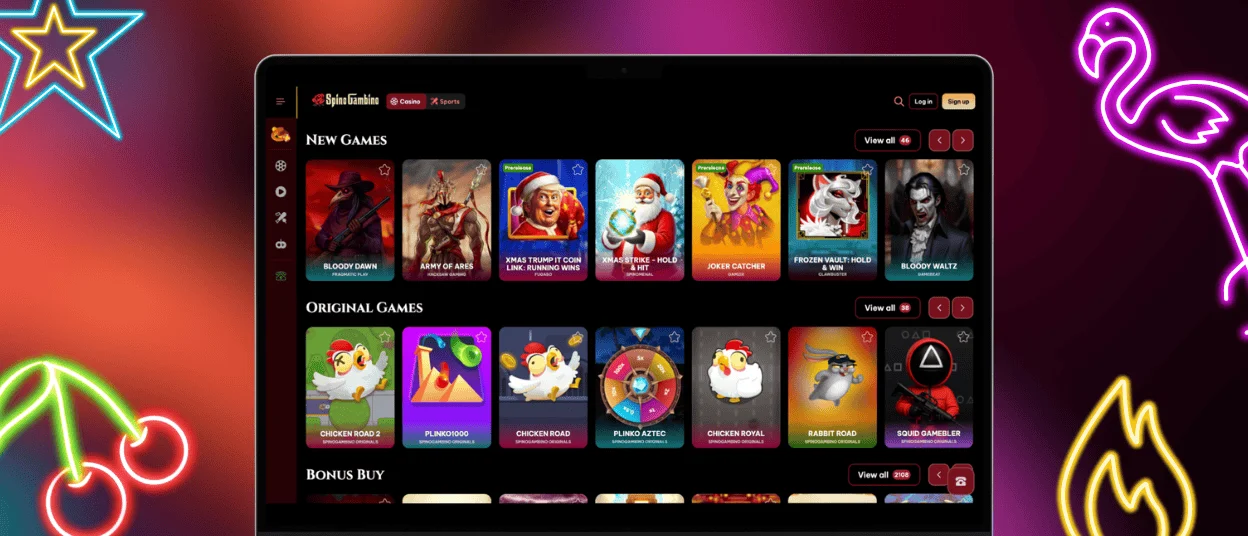
As an optional feature, you can add a direct shortcut to your desktop from supported browsers. This opens the Spinogambino casino in a cleaner view, separating it from other tabs or background activity. All actions — deposits, withdrawals, accessing live chat or ongoing bonuses — remain available through this window.
Frequently Asked Questions (FAQs)
Is the Spinogambino casino app available from Google Play or App Store?
The Spinogambino app is not listed in Google Play or the Apple App Store. Instead, we offer a browser-based Progressive Web App (PWA) that provides a similar experience without requiring downloads from external marketplaces.
You can install the app directly from the official website using Chrome or Safari by selecting “Add to Home Screen.” This method creates a shortcut that opens Spinogambino in a dedicated, full-screen view with stable performance and integrated access to your account.
Do I need to register again to use the mobile version?
A single Spinogambino account works across all platforms. After creating it once, you can log in on mobile, tablet, or desktop with the same credentials and retain access to your balance, promotions, and settings.
How do I update the Spino Gambino casino app?
Since the Spinogambino app is installed as a Web App, it updates automatically in the background when you launch it. There’s no need for manual downloads or installations. To ensure you’re always using the most recent version, keep your mobile browser (such as Chrome or Safari) up to date. If you notice outdated content, you can clear your browser cache or reinstall the shortcut from the official website.
Does the app store my payment methods or personal information?
The Spino Gambino app does not store any sensitive data locally on your device. All payment and personal information is processed through encrypted, secure connections and remains within your account profile on the server side.
Your saved payment options, address, and preferences are synced with your Spinogambino account and accessible from any authorized device after login. We recommend always logging out after each session on shared devices and enabling biometric protection (Face ID, fingerprint) where supported by your browser.
Can I test games in demo mode using the Spinogambino app?
Demo access is available for most online slots and a selection of table games within the Spinogambino app. This mode allows you to explore gameplay features without using real funds and can be launched directly from the mobile interface. Live Casino titles and certain provider-specific games remain excluded from demo mode due to technical and licensing rules.


